YodelOh™ Math Mountain App

April 21st, 2013

Sunday Sit, Sip, and “Sync” ~ 4-21-2013

The essence of mathematics is not to make simple things complicated,
but to make complicated things simple.
  ~S. Gudder

Back in October of 2011, Shannon wrote a review about Spinlight Studio’s app, TableTots.

We have shared this app in iPad training sessions for elementary teachers,
and many have written notes confirming its versatility and usefulness.YodelOhMathMountain

This week we received a note from Spinlight Studio with this announcement:

“The sheep’s out of the bag! YodelOh™ Math Mountain hit the App Store today,
and we can’t wait to hear what you think about it!”

We love Spinlight Studio and their professional commitment to developing apps for educators.
Why?

  1. They are our neighbors located in Champaign, Illinois.
  2. Their apps do not contain “third party ads”.
  3. Their apps do not link to a social network.
  4. Their apps do not track your location
  5. Their apps do not link to web access.
  6. Their apps do not include “in-app purchases”.

For 99¢, you have an app that “blends arcade action with traditional classroom math drills”. The game is fast and is designed “to help elementary students memorize the basic addition, subtraction, multiplication and division tables essential for math.”
It is rated for ages 6-12.

BlueSkyMathMtn

Below is a link to Spinlight Studio’s guide for  YodelOh™ Math Mountain.

YodelOh™ Math Mountain and Spinlight Studio come with our highest recommendation. Read more on their “Press Release” page.

My only wish is that we had a few mountains around us so that, on this beautiful Sunday, we could hike a few ourselves. I will have to be content to take a walk through the woods surrounding Lake Shelbyville…

Have a great week!

Symbaloo Simple

April 14th, 2013

Sunday Sit, Sip, and “Sync” ~ 4-14-2013

“Make everything as simple as possible,
but not simpler.

  ~~Albert Einstein

Last July I wrote about Google’s announcement to discontinue iGoogle on November 1, 2013. In that post, I described the “Chrome” alternative to bookmarks and web apps. I still love the “Chrome” features, but Chrome is not the only web browser I use.

SymbalooMy “go-to” home page is my Symbaloo page.
I have been using Symbaloo since shortly after it was introduced.
I was watching a YouTube video made by an Australian high school student describing how she used web tools in her Science projects. Over and over again she returned to a page filled with “tiles” as she used that page to link to her favorite web tools.

So, I “googled” it,
and I discovered Symbaloo.

It is free.
Of course.
You need only to register for an account, and once you have logged on, you can begin building your personal “webmix” with tiles that link to your favorite websites. You can customize your own tiles, or you can choose from hundreds (and probably thousands) of pre-made tiles that are already available.

Every morning, I can instantly click on my three web email tiles to check my email,
my “Fitness Pal” tile,
Facebook and Twitter,
the weather,
Pandora, if I am ready to work with music,
and browse through my favorite blogs.
The best feature of Symbaloo is that it is web-based and my preferences are all stored “in the cloud”. I can find my page on any computer after logging into www.symbaloo.com

Symbaloo has just updated its site with a sidebar that makes browsing your “tile sets”, or “webmixes”, much easier. It is also a “social” site, and you can share your webmix, or search and add other webmixes to your collection.

As a teacher, a second Symbaloo account could be created with a webmix that includes those sites and tools that you use in your classroom. As the homepage, students could easily find links maximizing efficiency and time.

Symbaloo has added a second site just for teachers.
www.symbalooedu.com offers training videos and additional resources for teachers. Some of the features are not free, but the videos are helpful.

So before you say “Goodbye” to iGoogle, get a jump on next year.

We encourage you to log on to Symbaloo and begin building your own personal webmix. As you find webmix sets, and new tiles, it is simple to add them. Soon you’ll have your own page, and we guarantee that you won’t want to wait until November to use it to replace iGoogle.

Enjoy your Sunday.
We will officially begin the summer season of softball this afternoon with the first game. It looks like the weather will make it a perfect day for the first pitch.

“Pop Out” YouTubes

April 7th, 2013

Sunday Sit, Sip, and “Sync” ~ 4-7-2013

“Make everything as simple as possible,
but not simpler.

  ~~Albert Einstein

Finding the “Pop out” option for YouTube videos was easier when they were located on a “pull-down” or “drop” menu.
We thought, when that disappeared, that the “Pop out” option was eliminated, as well.

We are happy to discover that it is still an option, and it can be found with a simple “right click”.
The “Pop out” link is our choice to share.
It protects our viewers from comments, suggested videos, and it provides a more pleasant viewing experience.

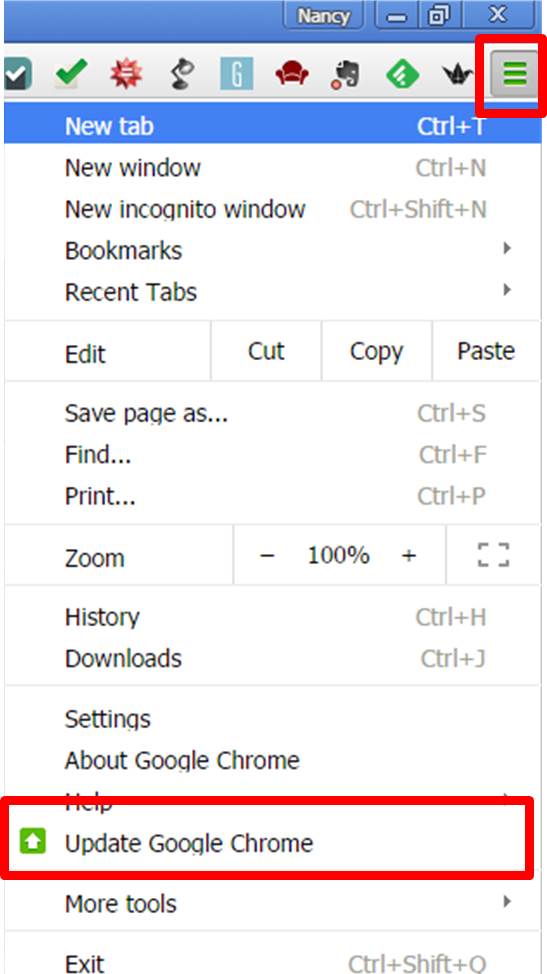
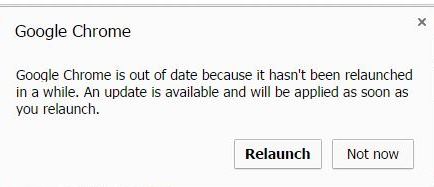
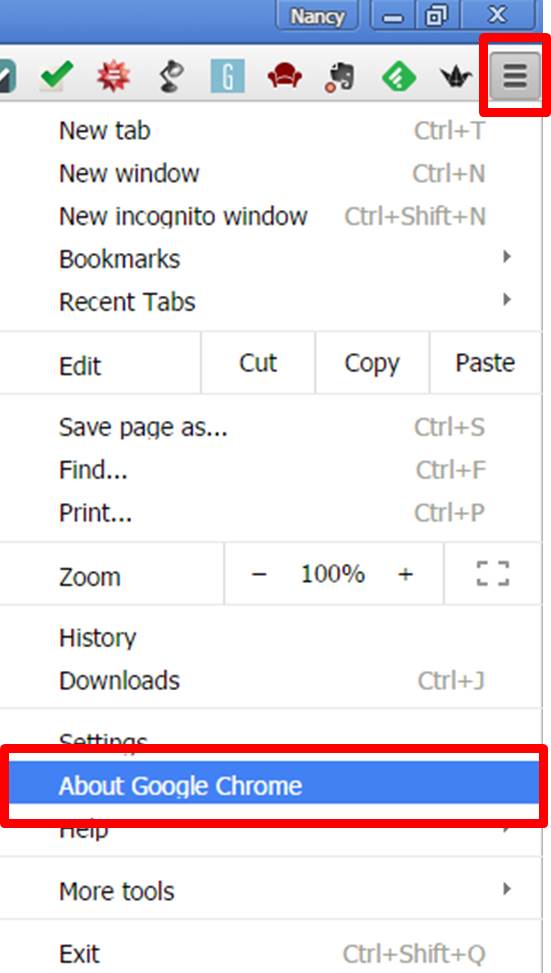
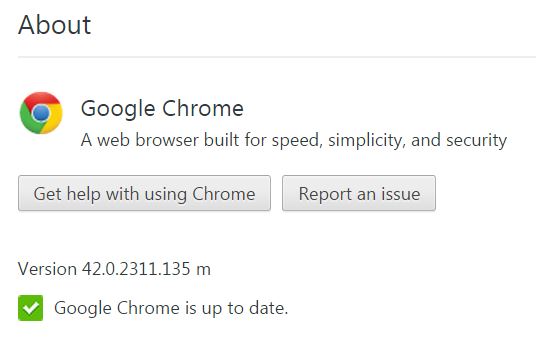
The two images below will guide you through the two simple steps.

PopOut_1

PopOut_2

This one was short hoping that you will take some time for yourself today.
In our neighborhood, the rain has been delayed and there is the promise of a sunny day with warm temperatures.
I have a fence to paint before the spring plants grow.
We hope you have some “outside time” in your future, as well…

Film English

March 31st, 2013

Sunday Sit, Sip, and “Sync” ~ 3-31-2013

“You know what your problem is?
It’s that you haven’t seen enough movies.
All of life’s riddles are answered in the movies.”
  ~~Steve Martin

Film-English.com has won many awards including “Best Individual Blog~2011~Edublog”, The British Council Teaching English “Featured Blog of the Month”, “Finalist Best Use of Audio/Video/Podcast~2011~Edublog”, “2011 TEFL Best Website”, “2011 MacMillan Dictionary Best Blog”, and “TEFL Net Site of the Month”.

Kieran_Donaghy_Film_EnglishKieran Donaghy is the author of this blog,
and with the use of videos and images,
he has developed lessons plans that are both engaging and motivating.
Most of the lessons appear to be leveled from middle school to university students,
and contain some of the latest “Vimeo Staff Picks”.
The lessons plans are very complete with questions, group activities, journaling exercises, concluding with a choice of final activities. They are outlined in easy-to-follow “steps”, with plenty of support.

Shannon and I love to stay seated and watch the credits roll at the end of the movie. It gives us a chance to “decompress” and wait for the theater to empty. I have often wondered what some of the “jobs” were as we watched the scroll. And exactly what IS a “Dutch Tilt”? One page offers an excellent resource to solving the code of “Film Terms”, with many of the definitions illustrated with videos.

I highly recommend this site, both its content and its design.
I think you will find plenty of lessons that will make teaching and learning feel a little more like recess as you head into the final months of this school year.

With today’s post,
both Shannon and I here at Recess TEC would like to wish all of you a wonderful Sunday with plenty of “peeps”. (If not the “candy kind”, the “friends and family kind”.)

April is for Poets

March 24th, 2013

Sunday Sit, Sip, and “Sync” ~ 3-24-2013


“Poetry is an echo,

asking a shadow to dance.”
  ~~Walt Whitman

There is still time to plan for April as Poetry Month.
With the iPad and web tools,
technology can take motivation and ideas to a whole new level.

To start,
know that you can order a free copy of their annual poster from
The Academy of American Poets.
Although posters are not guaranteed to arrive before April, it is a place to begin, and past posters are still available.

The academy also offers a “Dear Poet Project” for upper grades on their website: poets.org. Included are four activities aligned to the Common Core Standards for grades 7-10.

Scholastic has a website to encourage writing poetry with published authors. Along with activities, students have the opportunity to “publish” their poems online to share with friends and family.

Another resource is from ReadWriteThink.org with online interactive poetry writing sites for students grades K-12.

Finally, a British website for “young writers” offers a list of different types of poetry with several examples of each. It is an excellent resource for student poetry anthologies. Students could choose their favorite types of poems to include in their personally created collection, or you could filter their choice depending on your students’ levels and abilities.

We hope this offers both you and your students some fresh ideas to motivate you as we enter the last months of our school year.

Enjoy your weekend! It’s snowing here, and even though the crocuses are blooming, it still feels like winter. We are all looking forward to some April showers and more spring flowers! ;)

Another Google Goodbye

March 17th, 2013

Sunday Sit, Sip, and “Sync” ~ 3-17-2013

I know.
I’ve been absent.
My first “Retirement Trip South” has brought me home
motivated and ready for spring.

Lots of projects and ideas have floated around in my head,
and I am ready to work with new energy and a fresh outlook.

So, here we go with the second set of “100 Sunday Sit, Sip, and Sync Technology Tips”.

On July 8, 2012, I shared “Good-bye iGoogle”.

This past Wednesday,
Google announced that the Google Reader will also be “retired”.

The full story can be read HERE.

We have been loyal fans of Google Reader and
I have used it as my “go-to” site for my morning reading.

After learning about the end of the “Reader” and alternative options,
I felt a bit overwhelmed by the choices,
and as we often tell our workshop attendees,
I decided to pick one and to go with it.

This is where I share it with you.

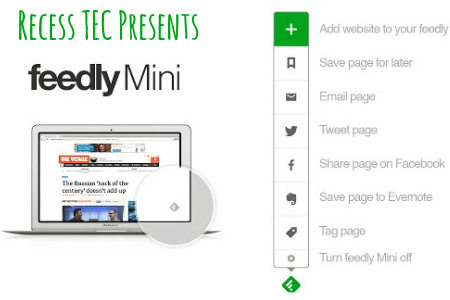
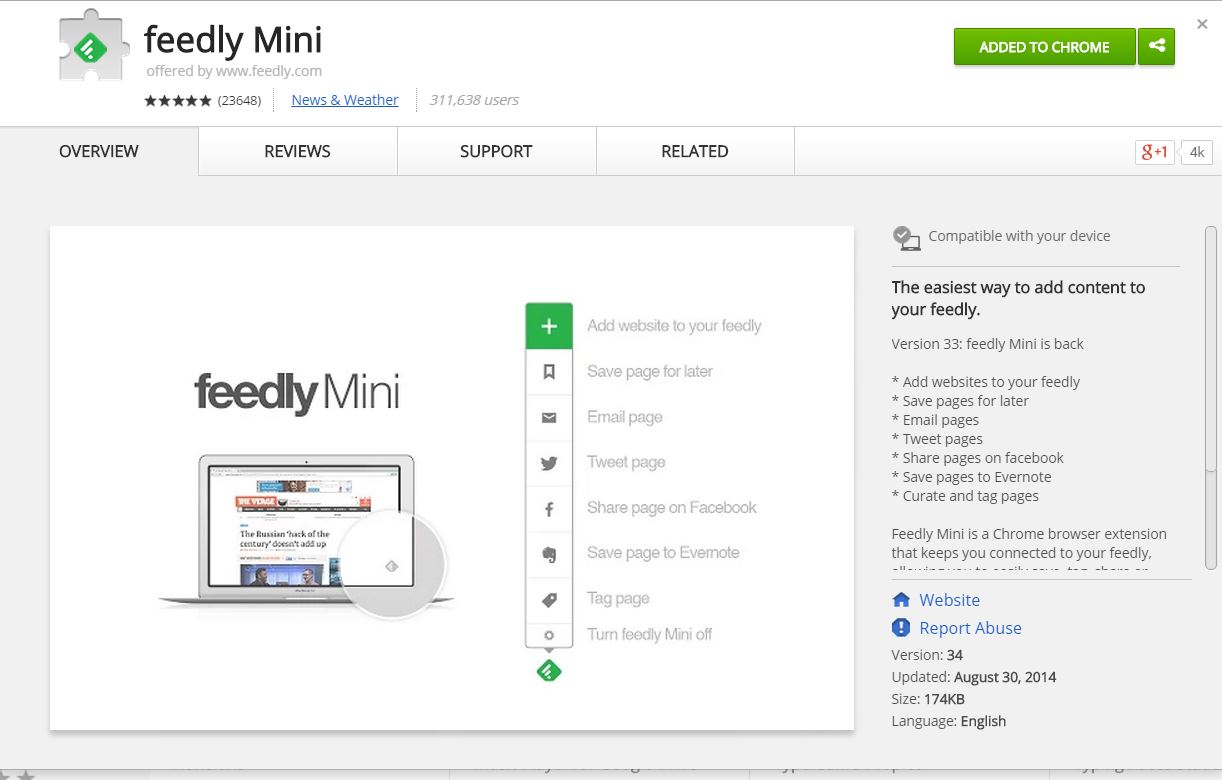
Feedly.com.Feedly
When you navigate to their website,
you will find a message greeting you:

“More than 500,000 Google Reader users have joined Feedly over the last 48 hours. Welcome on board.

It appears that they are working hard to make the transition smooth and easy as those of us who have depended on our “Reader” grab at a new way to stay on top of our feeds.

Once you have created an account and have logged in, 
you will find all of your Google Reader subscriptions.

They assure us that once Reader has been powered down, 
that you will be able to continue to have access and will be able to manage your subscriptions.

They have an “app for that
and this morning I downloaded it on my iPad and have been working through the features.

I like it.

It combines the simple “listing” of Google Reader
with the “magazine” format of “Flipboard”.

I am still working through the features and the feel of it,
but I know that as I use it,
it won’t be long before I am easily navigating through my feeds with my morning cup of coffee.

I can sit at my computer,
or while on the road,
I can use the iPad to stay current.

If you need a reason to procrastinate with that stack of papers to grade,
check out Feedly.com.

Now, though, it’s time for me to grab my coat and get a walk in before the rain or snow or whatever else they are predicting starts to fall.

Have a great week!

Three Simple Shortcuts

February 10th, 2013

Sunday Sit, Sip, and “Sync” ~ 2-10-2013

On March 7, 2011, I shared “Taking the Shortcut”.
This week I was reminded of some other keystroke shortcuts that I use every single day.

control

  • While on the internet, hold down the “Ctrl Key” and press the “+= Key” (Ctrl+Plus),
    and your screen will enlarge as you zoom in.
  • Hold down the “Ctrl Key” and press the “_-Key” (Ctrl+Minus),
    and your screen will decrease in size as you zoom out.
  • (Return to normal view with “Ctrl Key” and “0 Key” (Ctrl+Zero).
  • Bonus: On a PC, hold down the “Windows Key” and “D”,
    and you will quickly navigate to the desktop.

I shared these with a group of teachers this week,
and they agreed that these “tricks” were worth a “Sunday Morning Post”.

Stay warm and dry today.
We hope your day has a nap or a good book tucked somewhere inside it.

A Cleaner Internet

February 3rd, 2013

Sunday Sit, Sip, and “Sync” ~ 2-3-2013

On September 12, 2011, I wrote about “Safe Share TV”.
Since then, we have found another site that allows you to not only share YouTube videos safely, but to search them safely.

Filters to YouTube continue to be lifted in schools,
and for teachers, it requires us to be responsible and handle this site with care.

To keep our students safe from “trolls”, inappropriate site “suggestions”, and comments, we can use sites like “Safe Share TV” or A Cleaner Internet.

CleanerInternet2A Cleaner Internet”  is available as both an CleanerInternetiTunes app,
and an extension for Foxfire, Chrome, and Safari. Once added to your “plugins”, the extension will open YouTube in a “safe/clean” view without anything to distract your search and viewing.

I have added the extension to all of my browsers, and I have downloaded the app.
They all work great and I would recommend them to anyone who wishes a “protected view”.

As I finish writing this post, the sun is trying to shine through the clouds, and I see some patches of blue sky.

I hope everyone finds some “outside” time before the “game”,
followed by a great week!

Skype for Educators

January 27th, 2013

Sunday Sit, Sip, and “Sync” ~ 1-27-2013

Assignment: “What would you do if you found a pot of gold?”

During a “subbing” job last week, I handed out this paper to fifth graders to complete during their morning seat-work session.

Lots of discussion followed with suggestions ranging from “Justice Clothing” to “video games”.

Finally, someone asked me, “What would you buy, Mrs. Brachbill?”
My answer?
“Memories.”

Growing up as an “Army Brat” and attending schools all over the world,
I have always wanted to give my students the gift of experiencing different cultures, even within our own country.

Skype in the ClassroomWe have been hearing how teachers are doing just that with the use of Skype.
“Mystery Skypes” are becoming more and more popular, and now Skype has provided the resources to help you get started.

SkypeInTheClassroom2Skype in the Classroom” is a ‘free and easy way for teachers to open up their classrooms. Meet new people, talk to experts, share ideas and create amazing learning experiences with teachers from around the world.”

Here is a way for students to better understand the differences in the communities and lives of Newark, Albuquerque, and Minneapolis.

Skype in the Classroom” can be the beginning of “classroom connections” spanning all curriculum creating lasting memories.

Watch the video below to see “first-hand” how Skype can be used.
(Yes. It made me “tear up”.)
Then check out “Skype in the Classroom” to provide lasting memories for your students.

Password Fail?

January 20th, 2013

Sunday Sit, Sip, and “Sync” ~ 1-20-2013

On a public computer, 

I never, ever, ever give the browser permission to “Remember your password?”

At home?
Yes, I do.
Always.
It’s my personal computer, nobody else ever uses it,
and I simply have too many accounts and passwords to manage.

Both Shannon and I are always researching, experimenting, and opening up new accounts every single week. I wrote one post about my password dilemma on June 2011,
but I still wasn’t in a “Happy Place” regarding my own personal passwords.

Since then, though, I have found a solution that works for me.

My current password is the same,
uses symbols and upper-case letters,
and includes a unique abbreviation for the site that is attached to it.

For example, if my password was “Ging3rbr3@d”, I would add a “g” somewhere within the password for my Google account.

Works for me.

But then, you have those accounts that don’t allow characters.
(Really?)
Or they require a minimum of 13 letters.
(Sigh.)

AND…
I have a few accounts that are attached to old deleted/defunct email accounts.

Now it’s time to resort to some “know-how”.
Here are some step-by-step instructions on how to “reclaim” passwords,
or to manage them on your school/shared/public computers.

When using the FireFox browser,
follow these steps:

Firefox Step 1


Firefox2

Firefox Step 3For Chrome,
this is what you need to do.Chrome Step 1Chrome Step 2Chrome Step 3

For Explorer and Safari?

For security reasons, neither “shows” passwords, but you are still able to remove them.
If you have forgotten passwords set in those browsers,
you’ll have to hit the “Forgot your password?” link and hope for the best.

For Explorer:Explorer Step 1Explorer Step 2

and for Safari:Safari Step 1Safari Step 22Safari Step 3

So, on this Sunday morning,
I hope we were able to teach you something.

(Who knew?)

Find some time for yourself or to share with those you love,
read a book, take a walk and most of all,
have a great day and a great week!

  • Recent Posts

  • Recess TEC Blog Posts

    May 2013
    S M T W T F S
    « Apr    
     1234
    567891011
    12131415161718
    19202122232425
    262728293031  
  • Site Admin. (Best viewed in Firefox)